


Beautiful.ai vs. Slidesgo: which is better? [Updated 2026]
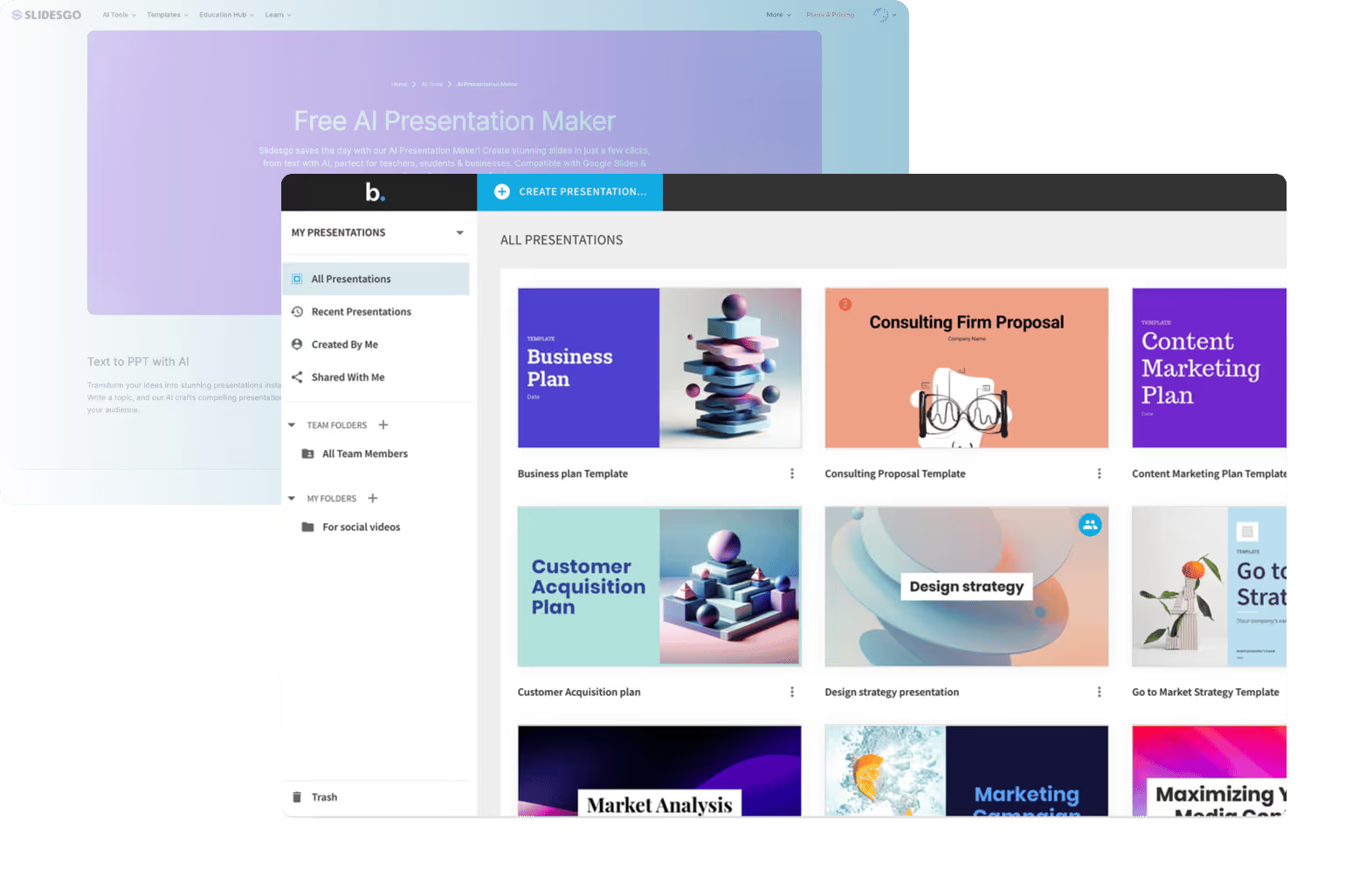

Beautiful.ai vs. Slidesgo: which is better? [Updated 2026]
Choosing between Beautiful.ai and Slidesgo comes down to what you need your presentation software to actually do. Both tools help teams create slide decks faster, but they approach slide design, automation, and workflow very differently.
Beautiful.ai is an AI-powered, all-in-one presentation tool that automates layout, spacing, and visual hierarchy as you build slides. Slidesgo, by contrast, is best known for its massive template library built for PowerPoint and Google Slides, with newer AI-generated features layered on top of static designs.
This guide compares Beautiful AI vs Slidesgo across ease of use, templates, AI presentation tools, workflow, collaboration features, compatibility, pricing, and ideal use cases—so you can choose the best AI presentation maker for your needs.
Tool overviews
What is Beautiful.ai?
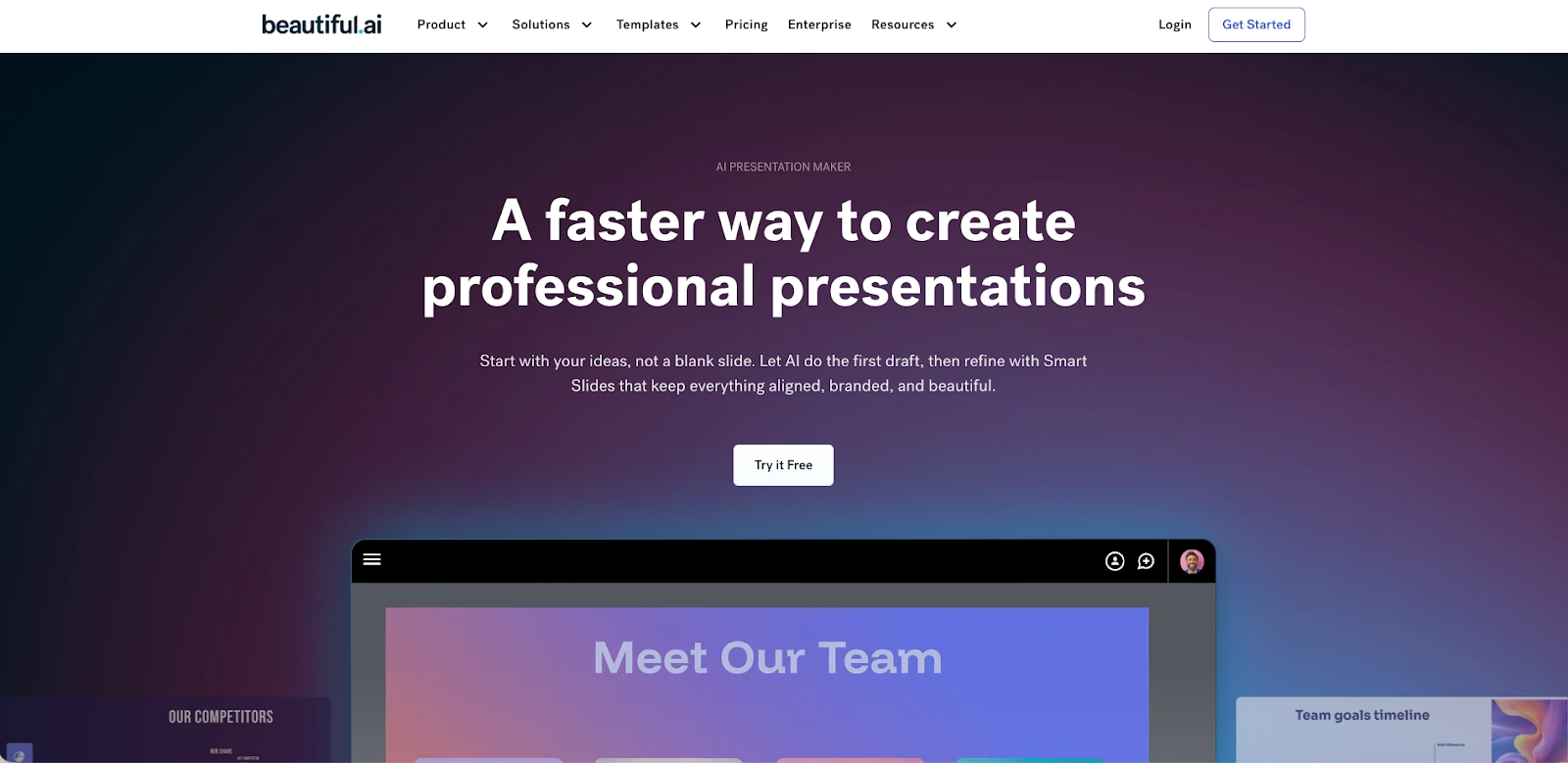
Beautiful.ai is an AI-powered presentation software designed to eliminate manual formatting from slide creation. Users work with smart slides and customizable templates, while the platform automatically applies layout rules, spacing, fonts, and visual hierarchy in real time.
The core strength of Beautiful.ai is automation. Unlike Microsoft PowerPoint, Canva, or traditional PPT editors, users don’t manually resize elements or manage alignment. This makes Beautiful.ai particularly effective for teams producing high-quality PowerPoint presentations, pitch decks, reports, and internal slide decks at scale.
What is Slidesgo?
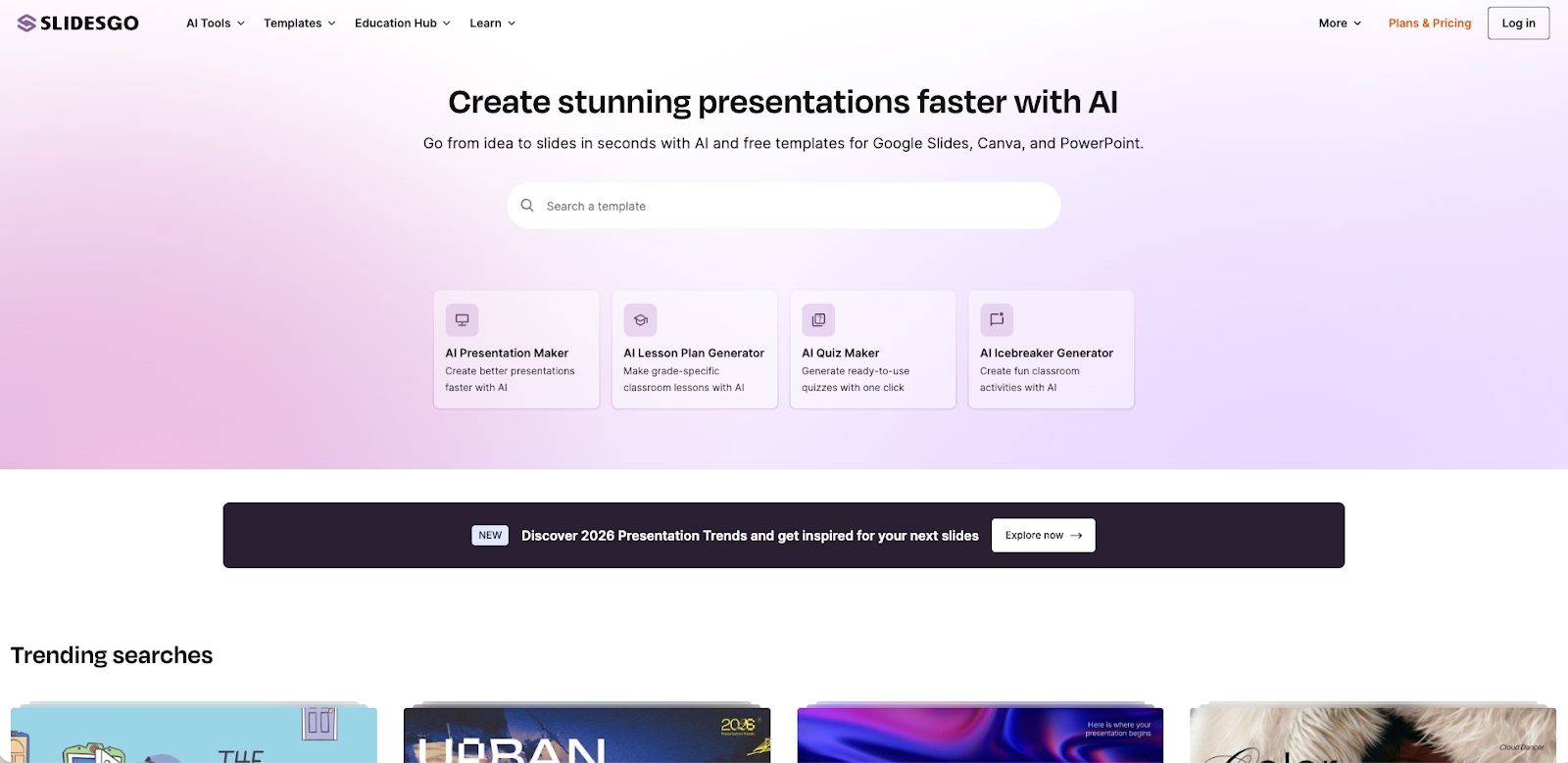
Slidesgo is a presentation platform centered around professionally designed templates for PowerPoint and Google Slides. Its extensive template library covers education, business, startup decks, marketing, and social media use cases.
While Slidesgo has introduced AI-powered features such as an AI Presentation Maker and an online editor, most workflows still involve downloading PPTX files and editing them inside Microsoft PowerPoint or Google Slides. The platform prioritizes visual variety and design flexibility over automated slide logic.
Key comparison criteria
At a high level, the difference is philosophical. Beautiful.ai prioritizes automation, structure, and consistency through AI, while Slidesgo focuses on visual diversity, static templates, and compatibility with existing presentation tools.
Usability & ease of use
Beautiful.ai is designed for speed and clarity. Its AI engine handles formatting decisions automatically, allowing users to focus on content instead of layout. This significantly reduces friction and makes the platform easy to adopt, even for non-designers.
Slidesgo is easy to start with if you’re already familiar with PowerPoint or Google Slides, but maintaining consistency depends on the user. As content grows, manual adjustments to spacing, animations, and transitions are often required.
Summary: Beautiful.ai offers a smoother, more guided experience, while Slidesgo relies on familiar tools but requires more hands-on formatting.
Templates & slide design
Beautiful.ai’s templates are smart slides that adapt dynamically as content changes. Text length, images, charts, and icons automatically reflow, resulting in stunning presentations with minimal effort.
Slidesgo excels in volume and variety. Its customizable templates are visually rich, illustration-heavy, and high-quality. However, they are static by nature, meaning users must manually manage layout changes inside PowerPoint presentations or Google Slides.
Summary: Beautiful.ai emphasizes adaptive slide design, while Slidesgo leads in template diversity.
AI & automation features
Beautiful.ai uses AI as the foundation of its platform. Layout automation, spacing, hierarchy, and design consistency are handled automatically, positioning it among the most mature AI presentation tools available.
Slidesgo’s AI features focus more on AI-generated content than design logic. The AI Presentation Maker can generate slides, text, and visuals, but editing still happens manually. Compared to tools like Gamma or ChatGPT-assisted workflows, Slidesgo’s automation is more template-driven than conversational.
Summary: Beautiful.ai leads in real-time automation, while Slidesgo’s AI supports faster starting points rather than full automation.
Customization & design control
Beautiful.ai offers guided customization. Users can adjust colors, fonts, images, charts, and themes, but always within a structured system that protects visual consistency.
Slidesgo provides full creative control inside Microsoft PowerPoint or Google Slides. Users can freely edit layouts, animations, transitions, and elements—but at the cost of increased manual effort and inconsistent results.
Summary: Beautiful.ai favors structure and consistency; Slidesgo favors flexibility and creative freedom.
Collaboration features & workflow
Beautiful.ai includes built-in real-time collaboration, commenting, permissions, and version control within a single platform. This creates a streamlined, all-in-one workflow for teams.
Slidesgo relies on external collaboration tools from Google Slides or PowerPoint. While effective, teams often juggle multiple files, versions, and platforms, especially when working with downloaded PPTX files.
Summary: Beautiful.ai provides a more seamless collaboration workflow, while Slidesgo depends on third-party tools.
Export, compatibility & formats
Beautiful.ai supports exports to PPTX, PDF, and live sharing links while preserving layout integrity and slide design.
Slidesgo offers strong compatibility with Google Slides and Microsoft PowerPoint, but animations, transitions, and fonts may behave differently across platforms and devices.
Summary: Slidesgo offers broader format compatibility, while Beautiful.ai ensures cleaner exports.
Pricing & free plan
Beautiful.ai does not offer a permanent free plan. Its pricing reflects its focus on automation, time savings, and team productivity.
Slidesgo offers a generous free tier with attribution requirements and download limits. Paid plans are affordable and unlock unlimited downloads and premium templates.
Summary: Slidesgo is more accessible on pricing, while Beautiful.ai delivers greater value for automation-heavy workflows.
Ideal use cases
Both platforms can produce effective slide decks, but they are optimized for very different working styles and presentation needs. Choosing the right tool depends on how often you create presentations, how much manual control you want, and whether speed or design flexibility matters more in your workflow.
When Beautiful.ai is the better fit
- Teams that create presentations frequently and need consistent, on-brand results across multiple slide decks.
- Sales, consulting, and leadership teams producing pitch decks, reports, and recurring PowerPoint presentations.
- Organizations that value AI-powered automation to reduce formatting time and review cycles.
- Teams that collaborate often and benefit from built-in real-time collaboration and shared workflows.
- Startups and growing businesses that want an all-in-one presentation software without relying on external templates.
When Slidesgo is the better fit
- Educators, students, and marketers who primarily work inside Google Slides or Microsoft PowerPoint.
- Users who want access to a large template library with visually rich, illustration-heavy designs.
- Teams that create presentations occasionally, rather than as part of a daily workflow.
- Users who prefer full manual control over layouts, animations, transitions, and slide design.
- Individuals or small teams looking for a strong free plan with optional low-cost upgrades.
Limitations and trade-offs
Every presentation tool makes trade-offs between control, speed, and consistency. Understanding these limitations helps set realistic expectations and avoid friction once the tool is part of your workflow.
Beautiful.ai trade-offs
- Limits pixel-level control to preserve structure and visual consistency.
- Less suitable for highly experimental or design-heavy presentations.
- Requires users to work within predefined smart slide formats.
- No permanent free plan, which may be a barrier for casual or infrequent users.
Slidesgo trade-offs
- Relies heavily on manual formatting inside PowerPoint or Google Slides.
- Consistency across large slide decks depends on the user’s design discipline.
- Animations, transitions, and fonts may behave differently across platforms.
- Workflow can become fragmented when managing multiple files and versions.

Choose Beautiful.ai if you want:
- An all-in-one AI presentation platform that automates layout, spacing, and hierarchy
- Consistent, professional slide decks without manual formatting
- Smart templates designed for pitch decks, reports, and recurring business presentations
- Built-in real-time collaboration and streamlined team workflows
- Clean PowerPoint exports with predictable formatting

Choose Slidesgo if you want:
- Access to a large library of visually rich PowerPoint and Google Slides templates
- Full manual control over layouts, animations, and design elements
- Affordable pricing with a usable free tier
- A template-first workflow compatible with existing presentation tools
- Design flexibility over automated structure
Final recommendation
If your priority is speed, consistency, and producing professional slide decks at scale, Beautiful.ai is the stronger choice. Its AI-powered automation, smart slides, and built-in collaboration features make it especially effective for business teams that present frequently and want reliable results without manual formatting.
If your focus is on design variety, affordability, and seamless compatibility with PowerPoint, Google Slides, and Canva, Slidesgo is a practical alternative. It works best for education, marketing, and one-off presentations where visual style and template selection matter more than automation.
Why customers are switching to Beautiful.ai
Beautiful.ai is an AI-powered presentation platform that helps teams create polished, on-brand slides in a fraction of the time, without design skills or manual formatting.
- Design automation built in. Whether you're building pitch decks, reports, or internal presentations, Beautiful.ai’s Smart Slides automatically format content so you never worry about spacing, alignment, or layout again. Add your content, and the design adjusts instantly.
- ️No design experience required. Create professional decks without touching text boxes or manually arranging elements. Choose from Smart Templates and let the AI handle layout decisions, visual hierarchy, and consistency across the entire deck.
- Branding? Already handled. Keep every slide on-brand with your fonts, colors, and logos applied automatically. Beautiful.ai ensures every team member creates presentations that look like they came from a dedicated design team—without extra work.
- Real-time collaboration & team controls. Collaborate directly on the same deck, leave comments, manage permissions, and maintain consistency across team presentations. Perfect for growing teams and cross-functional workflows.
- Faster workflows, fewer revisions. Jump from rough outline to polished presentation in minutes, not hours. Beautiful.ai reduces back-and-forth edits by enforcing on-brand design rules and helping you iterate faster with AI-assisted slide creation.
