Introduction: Why most product launch decks fall flat
Here's the Situation: Your team has spent months building a product. Launch day arrives, and the presentation walks through every capability. People understand what you built, but struggle to explain why they would use it.
That gap starts with the story. Teams close to a product often organize presentations around what they shipped. Customers approach the launch with a different question: what will this help me do?
A product launch presentation introduces a new product or feature, explains its value, and gives an audience a clear next step. Creating excitement means making that value specific enough for people to recognize and share.
AI 🤖 Tip: An AI presentation maker can help organize ideas and draft slides faster. The team’s responsibility is deciding which story deserves the audience’s attention.
Key takeaways
- Start with the customer’s problem. Build the launch story around a meaningful improvement your product makes possible for your targeted audience.
- Use AI to accelerate the draft. Let it help with outlining and slide content, then verify claims and refine the message.
- Keep the launch story consistent. Give teams a repeatable structure they can adapt for different audiences while preserving the product’s core positioning.
1. Start with the story, not the slides
Before building the deck, answer four questions:
- Audience: Who is this product for?
- Problem: What problem does it solve?
- Timing: Why does that problem matter now?
- Change: What improves when someone uses it?
Then, try explaining the launch in three sentences:
- Situation: The problem the customer faces.
- Improvement: The change your product makes possible.
- Proof: The evidence supporting your claim.
If you can’t explain those points clearly, refine the story before generating slides. A little more time upfront, will save tons of time on the backend.
2. The core structure of a high-impact launch deck
Use these six elements to build the narrative. Each can take one or several slides, depending on the audience and complexity.
The big idea
Introduce the product and its central promise. Make the opening specific enough that the intended customer recognizes themselves. Avoid making people wait through company history to learn what is launching.
The problem
Describe a situation the audience knows. Show where the current process creates friction, delays a decision, or leaves a need unmet. Customer language can make this section more credible than an abstract market statement.
The solution
Show how the product addresses that situation. Follow one recognizable task through the experience. A focused demonstration makes it easier to understand how individual capabilities work together.
The value
Explain what improves for the customer. Connect the workflow to a practical benefit, such as fewer handoffs or easier access to information. Keep the scope consistent with what the product actually delivers.
The proof
Support the promise with a demonstration, approved customer feedback, or measured results. Identify the conditions behind any numbers. A small pilot can provide useful evidence without justifying a claim about every customer.
The moment
Explain why the launch matters now and what the audience can do next. Include availability, eligibility, and a relevant action, such as trying the feature or requesting a demonstration.
3. Where AI speeds everything up
AI is useful when the ingredients exist but the structure is unclear. Product notes, customer interviews, and a positioning document can all become an outline that is easier to evaluate.
Give AI a defined assignment:
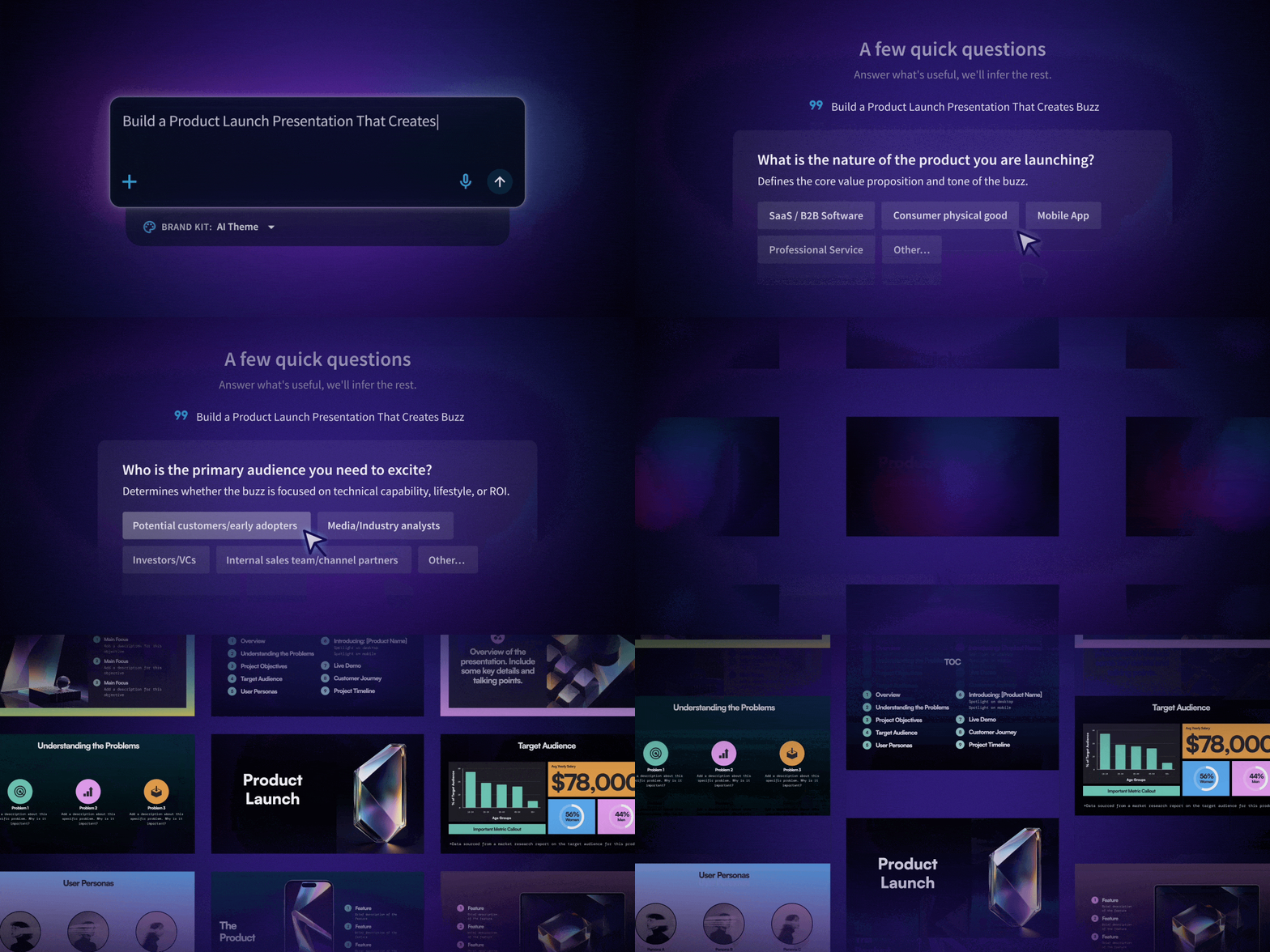
Draft a 10-slide launch outline for campaign managers. Use the attached product brief. Focus on identifying performance changes earlier. Include one workflow demonstration and a trial CTA. Flag missing evidence instead of inventing results.
Review whether the proposed sequence makes sense before asking for polished slides.
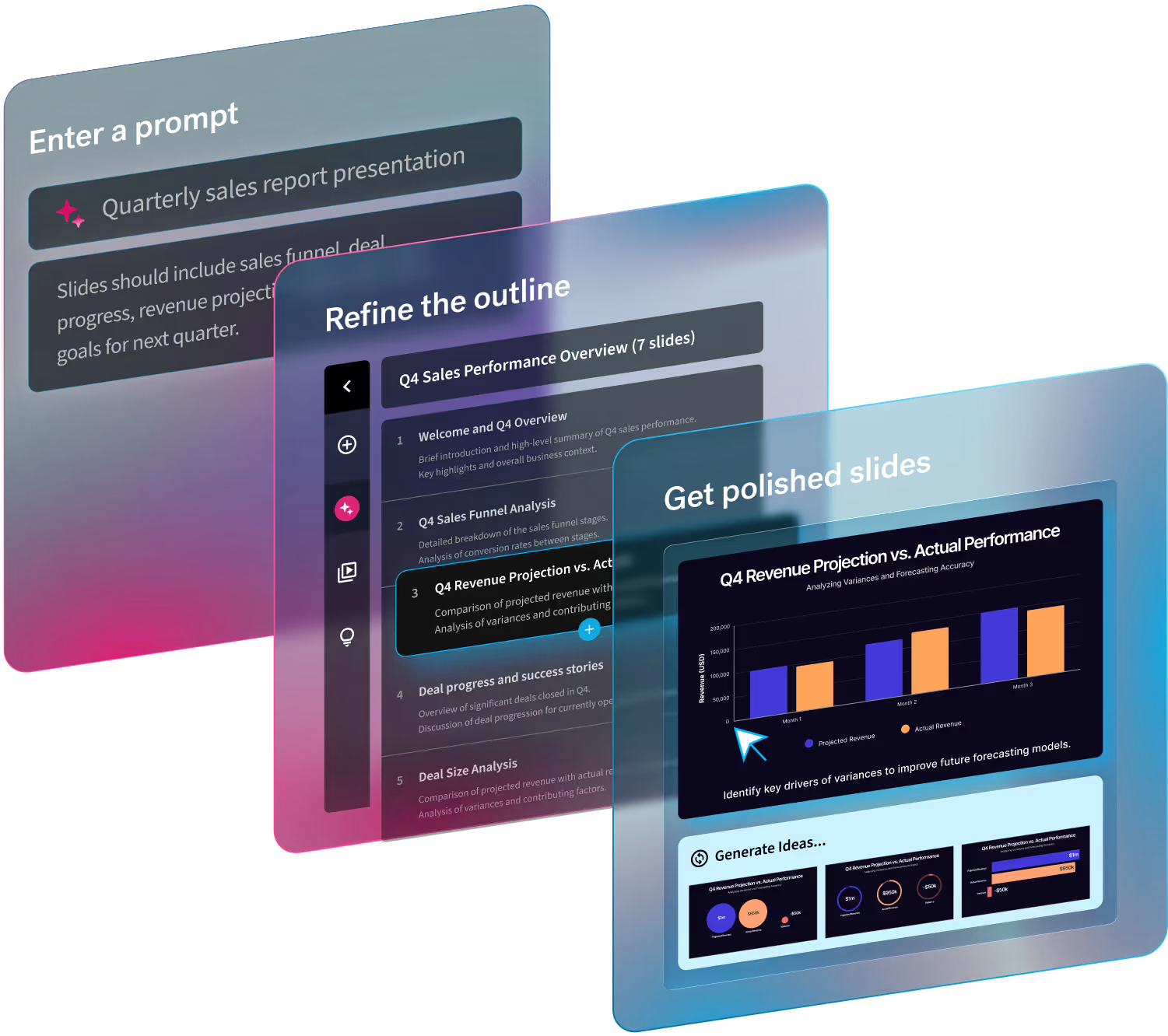
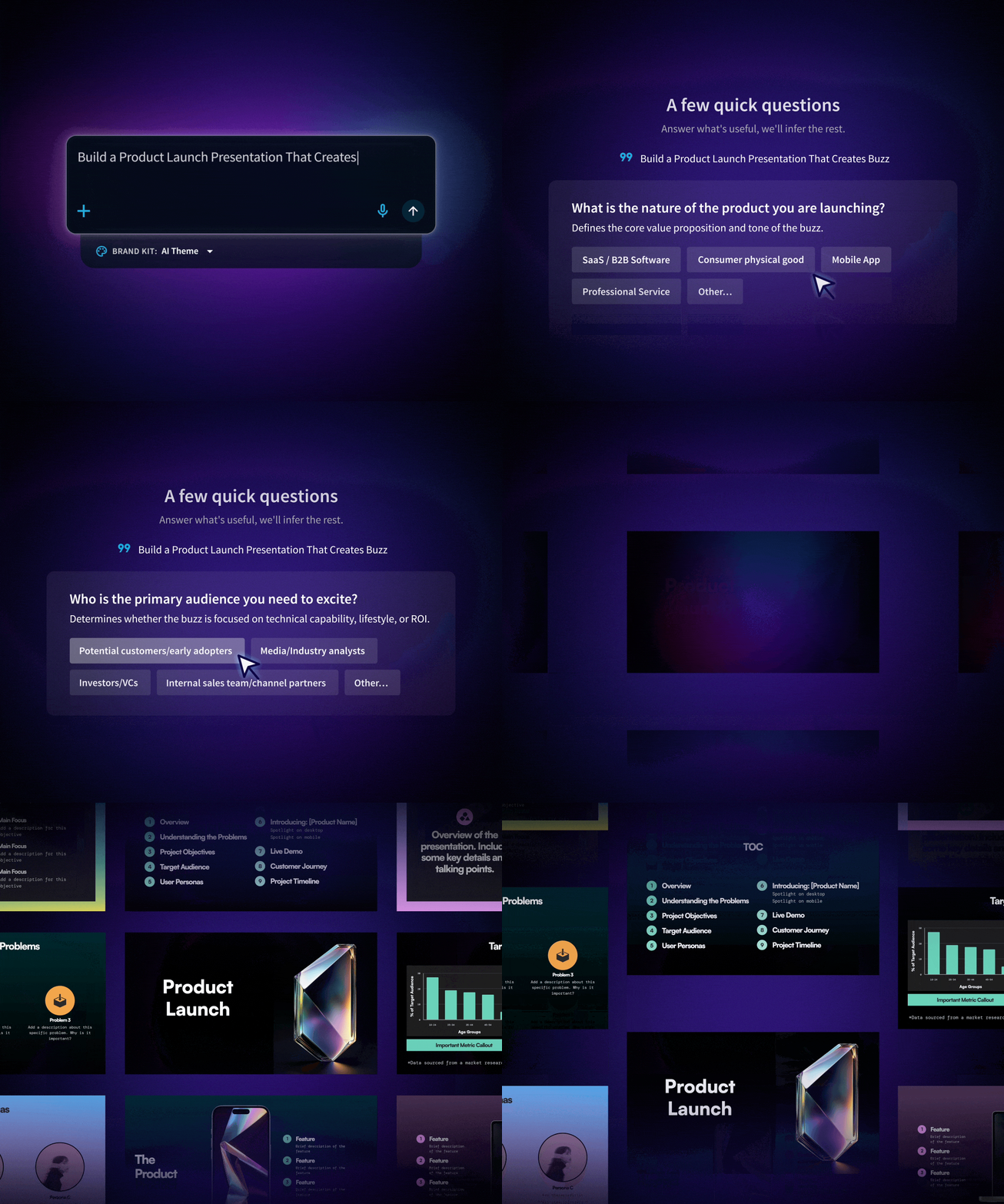
Tip: Beautiful.ai’s Create with AI workflow supports starting from a topic, an outline, or supporting context. Users can refine the structure before generation and continue editing individual slides afterward.
4. From features to impact
A feature explains what the product can do. A benefit explains why that capability helps. An outcome describes what becomes possible for the customer.
Take a product with a shared workspace:
- Feature: Teams can edit the same presentation.
- Benefit: Colleagues can contribute without passing files back and forth.
- Outcome: A launch team can prepare a customer-ready deck with fewer version mix-ups.
This chain helps you decide what belongs on a slide. If a feature doesn’t support the launch story or answer a likely audience question, it may belong in an appendix.
AI 🤖 Tip: AI can help reframe technical details in customer language, but its suggestions need to be checked. It may infer a benefit that the product doesn’t deliver or turn a modest improvement into a sweeping promise.
5. Creating momentum and excitement
A launch creates momentum when each slide answers a question raised by the previous one. Build the demonstration around one complete task. For a reporting feature launch, that could look like this:
- Show a manager investigating a performance change. Follow them as they identify the campaign behind it. Walking through every menu would interrupt the story.
- Write headlines that communicate the point. “Find the campaign behind the change” gives viewers a reason to watch the next step.
- End with a clear next action. If access is limited to a beta, explain who can join and what happens after signup.
Specificity gives interested people a realistic path forward.
6. Designing for clarity (not just aesthetics)
Every slide asks the audience to divide attention between your voice and the screen. Dense copy makes that harder.
Give each slide a clear job:
- Explain a problem with a short scenario.
- Demonstrate a workflow with a product screenshot.
- Support a result with a labeled chart.
- Present the next step with one clear instruction.
Use real product imagery when showing functionality. Generated illustrations can support a concept, but shouldn’t imply an interface or capability that doesn’t exist.
Review the slides at presentation size. A screenshot that looks detailed on your laptop may be unreadable from the back of a room.
Tip: Beautiful.ai’s Smart Slides automatically adjust spacing, alignment, and formatting as content changes. Brand Kits apply visual settings such as colors, typography, and logos across presentations. Together, they reduce recurring design work as teams revise a deck.
7. Aligning teams around the launch
A launch presentation often becomes source material for sales conversations, webinars, and customer communications. Unresolved questions in the deck can spread into those channels.
Agree on the essentials before distribution: the target audience, approved promise, supporting evidence, and what is available on launch day.
Give each reviewer a defined responsibility. Product verifies functionality and limitations. Marketing checks positioning. Sales and support identify questions customers are likely to ask.
AI can help adapt approved material for different audiences. A sales deck may need pricing and objections; an internal briefing may need owners and deadlines.
Keep a named owner for the core narrative so conflicting feedback gets resolved before launch.
8. The fast-track workflow (AI-powered)
Use this five-step process to move from brief to presentation.
- Define the product story. Gather the customer problem, approved capabilities, evidence, and desired next step. Separate confirmed availability from roadmap plans.
- Generate an outline with AI. Provide the audience and source material.
- Draft the slides. Apply your brand styling and generate a first version. Add real screenshots, approved quotes, and verified data where the story needs proof.
- Refine the message and structure. Remove repetition, check claims, and read the headlines in sequence. They should communicate the argument without requiring every supporting bullet.
- Finalize and share. Get approval from the relevant owners, rehearse the demonstration, and confirm the CTA works. Choose the sharing format your audience needs.
After rehearsal, ask someone unfamiliar with the product to explain its value back to you. Their answer can reveal confusion the launch team no longer notices.
9. 4 common mistakes to avoid for product launch decks
- Overloading slides with features. Choose capabilities that support the main customer story. Make secondary details available in an appendix or follow-up resource.
- Skipping the narrative step. Agree on the customer problem and product promise before generating slides. Otherwise, the first draft can lock the team into an unclear narrative.
- Trying to say everything at once. Tailor the detail to the audience’s next decision. Someone evaluating a beta needs different information from a support team preparing for launch.
- Relying on AI without refining. Check generated claims and examples against approved sources. Replace generic copy with language customers recognize.
Conclusion: Launch faster, launch smarter
A useful test for a launch presentation is what the audience can explain afterward. Can they name who the product helps, describe the improvement, and identify a next step?
That gives teams a more practical standard than slide count or production speed. Use the time saved through AI and design automation to check evidence, improve the demonstration, and resolve questions before customers ask them.
AI 🤖 Tip: Beautiful.ai brings AI drafting and Smart Slide editing into one presentation workflow. Start with a clear product story, then use the platform to build and refine a deck your team can confidently share.